
Keep It Clean, Inside and Out
Keeping your console clean isn’t just about appearance it’s about performance and longevity. Dust and grime may seem harmless, but over time they can clog vents, overheat components, and significantly shorten the lifespan of your system.
Why Dust is a Serious Threat
Dust buildup restricts airflow, leading to overheating
It can settle on internal components and cause malfunction
Performance often drops before damage becomes obvious
Monthly Cleaning Routine
You don’t need to take your console apart to keep it clean just stick to a consistent, low effort routine:
Use compressed air to clean vents and fans (aim for once per month)
Avoid using vacuums or blowing directly into ports, which can push debris further in
Safe Surface Cleaning
Wipe down exterior surfaces with a soft microfiber cloth
Avoid harsh cleaning agents no alcohol wipes, bleach, or spray cleaners
If needed, lightly dampen the cloth with water for smudges or fingerprints
Consistent cleaning not only preserves your console’s performance but also avoids serious damage caused by accumulated dust and debris.
Power Habits That Protect
Your console isn’t built to take power abuse. One of the quickest ways to shorten its lifespan is yanking the plug mid update or during active use. That’s asking for corrupted data, or worse, a bricked system. So don’t do it. Ever.
Slip a surge protector into your setup. Not just during storm season always. Power spikes fry hardware fast and without warning. Think of surge protection as your console’s seatbelt.
And rest mode? Use it strategically. Leaving your system in low power standby for days or weeks messes with long term internal temps and power cycles. When you’re done playing, power down properly. It’s a small habit that pays off in years, not months.
Storage Really Does Matter
Your console isn’t just a box it’s a heat generating machine that needs space to breathe. Cramping it into a shelf or a corner chokes airflow and shortens its lifespan. Always set up your system in an open, well ventilated area. Leave breathing room behind and around it.
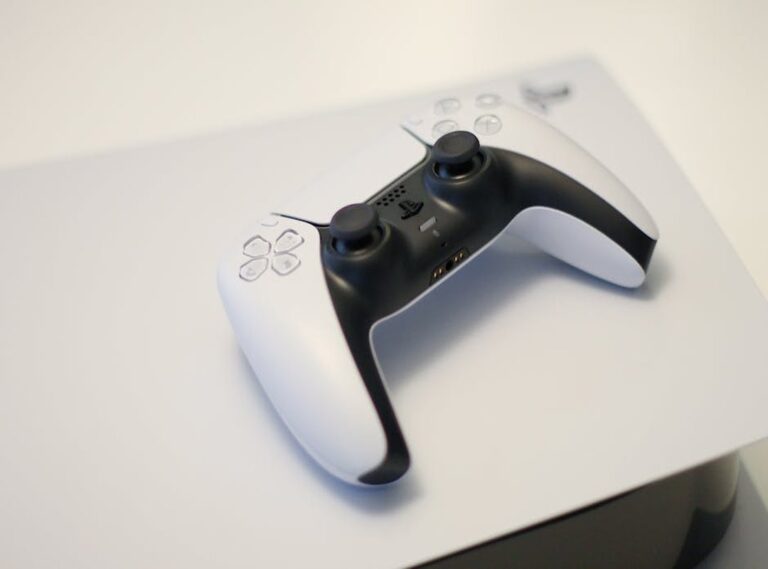
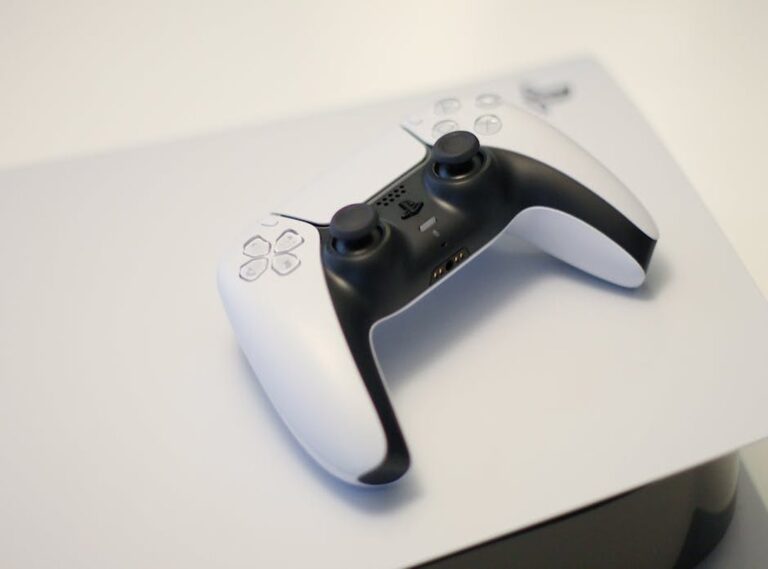
Stacking stuff on top is a rookie mistake. Even something light like a controller can block internal vents or radiate passive heat. Over time, that build up turns into performance issues, or worse, permanent damage.
Pay attention to signals. If your fan’s sounding like a hairdryer or gameplay starts lagging, your console’s giving you a warning. Heat throttles performance before it fries components. Stay ahead of it watch, listen, and make airflow a priority.
Proper Disc and Controller Handling
These tips seem simple because they are. But they matter. Start with your game discs: give them a light wipe with a microfiber cloth before inserting. Dust and smudges can mess with the laser reader, and repeated bad reads wear out the drive.
Same goes for your controllers. Lining up a USB C or proprietary plug? Don’t brute force it. If it’s not clicking in smoothly, something’s off. Ports can bend or break faster than you think, and repairs aren’t cheap.
When it comes to rechargeable batteries, give them time to cycle. Don’t leave things plugged in around the clock. Overcharging shortens battery life fast. Instead, charge them fully, then unplug and let them run down naturally. It’s a habit, but a smart one.
Low effort, high return. That’s the game here.
Software Upkeep = Healthier Console
Your console’s software needs as much attention as its hardware. Skipping updates isn’t just risky it’s asking for bugs. Make checking for system and game updates a weekly habit. Most platforms let you automate this, so use it. Updated software improves performance, fixes security gaps, and usually gives you fewer headaches.
Next, tackle the clutter. Over time, your console piles up cached data that slows things down. Clearing game cache and deleting unused files keeps your system running leaner. Think of it as digital housekeeping nothing flashy, just maintenance that matters.
Also, don’t ignore weird behavior. Freezes, crashes, or lag usually show up before real issues kick in. Pay attention. Glitches aren’t just annoying they’re warning signs. Most of the time, a patch or cleanup sorts it out before it snowballs.
Stay on top of these small tasks and your console will thank you. Or at least keep working like it should.
When in Doubt, Refer to Trusted Guides
Think console care is just giving it a wipe now and then? Think again. Quality maintenance goes beyond the occasional clean up. A healthy system needs a real routine consistent air cleaning, careful handling, and keeping an eye on performance. It’s not rocket science, but it makes a difference.
If you’re not sure where to start or want to lock in a solid process, check out these console care tips. They’re clear, actionable, and built for real life use. No fluff, just what works.
Bookmark it. Seriously. Your console’s lifespan might depend on it.
Small Habits, Big Lifespan
Treat your console like it matters because it does. Waiting until something breaks only leads to frustration, downtime, and expensive repairs. Preventative care isn’t complicated; it just requires consistency. A few small weekly habits can keep your system running like new.
Don’t set it and forget it. Wipe down the surface. Clear vents. Check for unusual noise or heat. These five minute tasks add years to a system’s life. Think of your console like a camera lens or a skateboard deck something core to your setup, not background furniture gathering dust.
Give your system regular attention. It pays off. Over time, those little efforts stack up to better performance, fewer breakdowns, and a lot less stress in the middle of a big game launch or tournament night.
Bonus: Invest in the Right Gear
Your console isn’t just a box of wires treat it like equipment. A vertical stand or a cooling dock can mean better airflow and less heat damage, especially during long sessions. But don’t guess. Look for model specific options that won’t block vents or ports.
If you’re storing the console for a stretch vacation, busy week, whatever use a dust cover. It’s a cheap way to keep particles from clogging internal fans or coating circuit boards.
And think twice about tossing it into a backpack. Consoles aren’t built for bounce and pressure. Dedicated cases with padding are worth it, especially for trips, tournaments, or living room rearrangements.
To go deeper into daily and weekly care, keep this page saved: console care tips

































































































































































































































































































































































































































































































































































































































































































































































































































































































































































































































































































































































 Joan Holtezer played an essential role in shaping Console Power Up Daily into the engaging platform it is today. With a keen eye for detail and a strong passion for gaming, Joan contributed to building the site’s structure and ensuring its content resonates with the community. Her efforts in refining features and enhancing the user experience helped the project grow into a trusted source for gamers worldwide.